Bespoke forms for assessments and care plans
Forms
Build the forms your service actually uses (assessments, incident reports, care plans) with response tracking, public form links, exports and notifications.
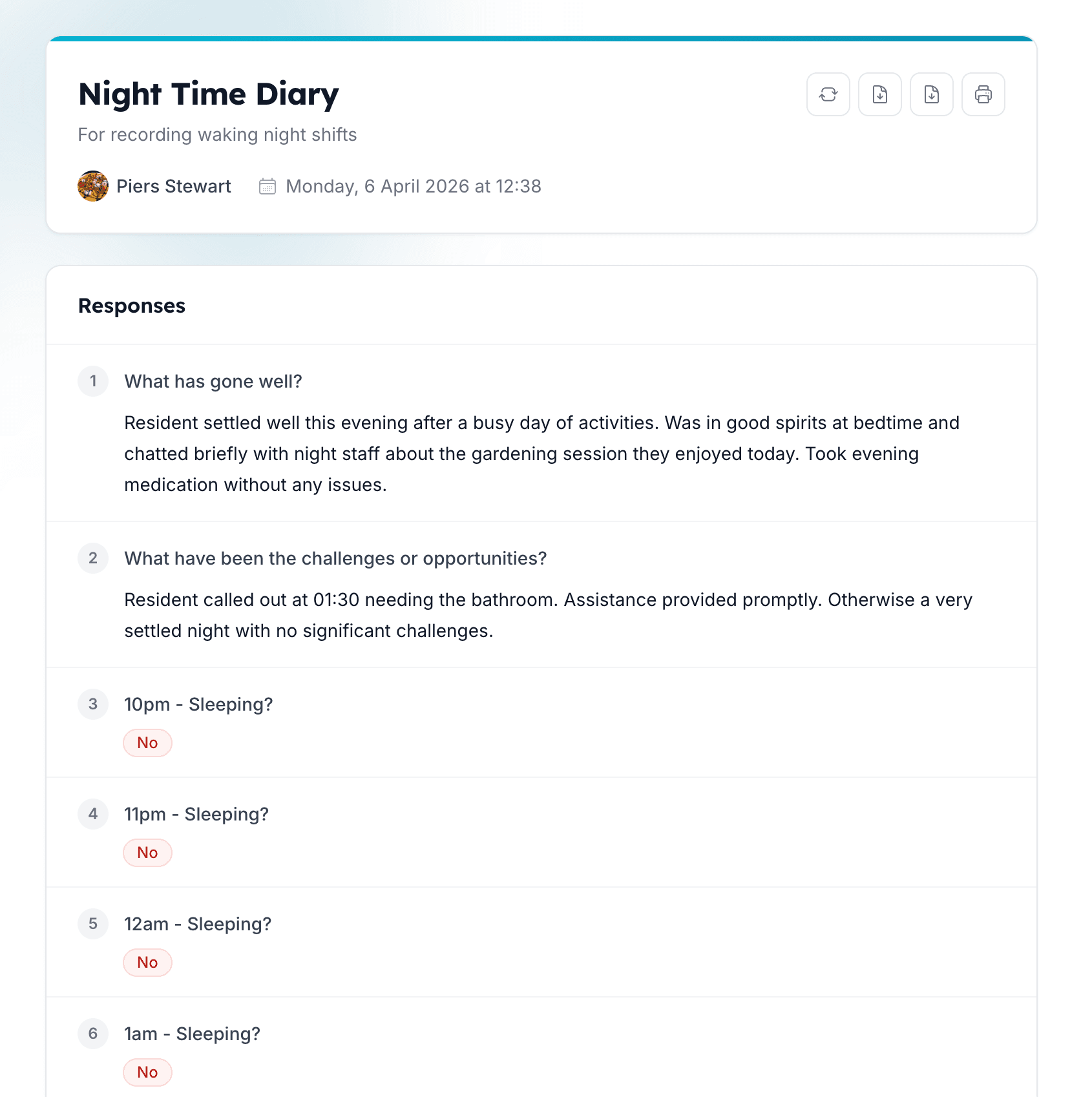
Configurable data capture
Build the forms your service actually uses
Carerealm's form builder lets you create any structured data capture your service needs: initial assessments, care plans, incident reports, accident books, MCA capacity assessments, restraint records, supervision logs. Each form is bespoke to your realm, can be reused across areas, and is versioned with full revision history.
- Form builder.
- Drag fields, set required answers, add help text. Reuse forms across areas, or scope per area.
- Form notifications.
- Email a copy of the entry to a named staff member or distribution list when a form is submitted.
- Form history.
- Every submission is timestamped, attributed, and filterable. Dive in to find exactly what you need.
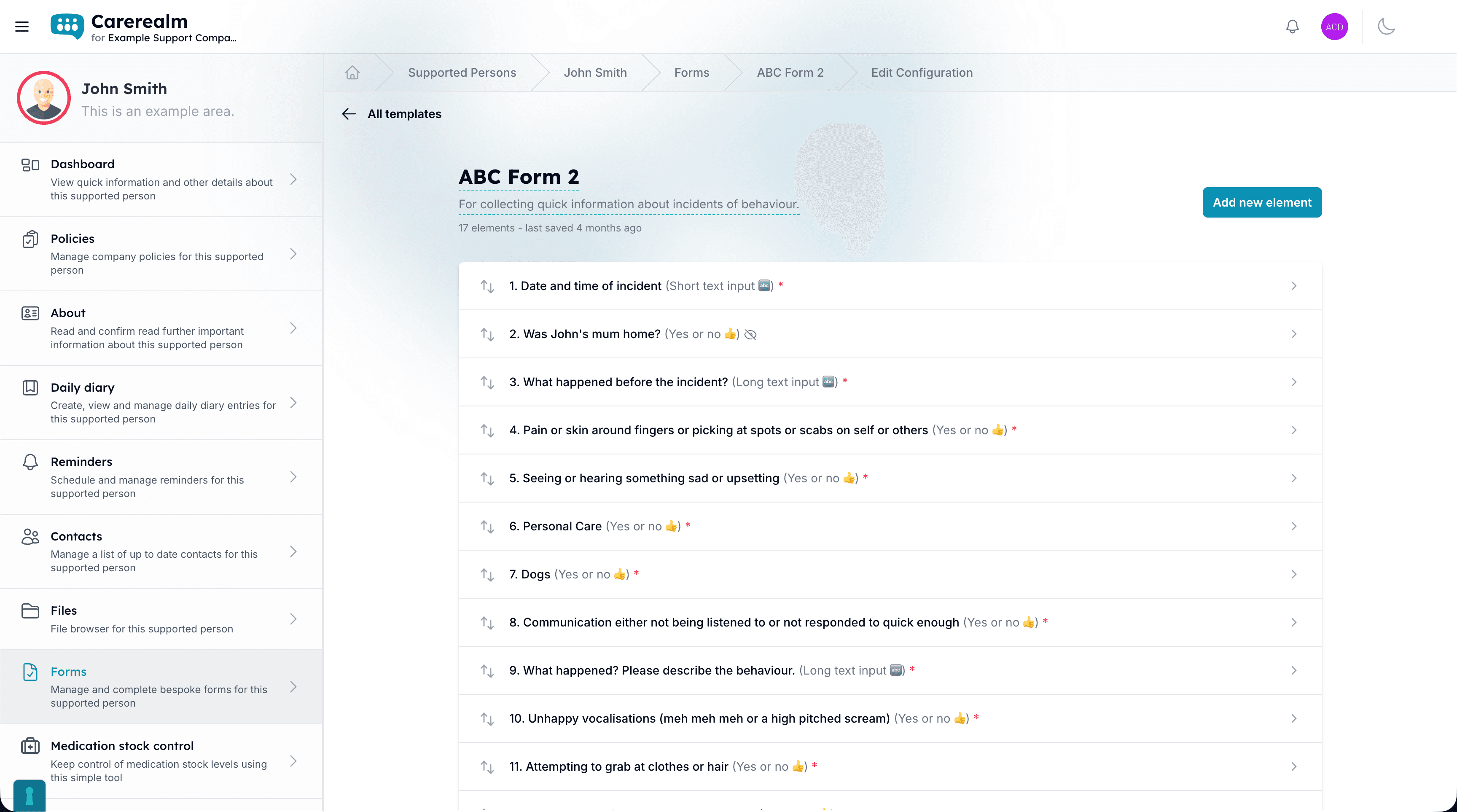
Capture data from outside the building
Public form links for parents, GPs and external partners
Share a one-click public link to any form so people outside your organisation (family members, district nurses, GP surgeries, contractors) can submit responses without needing a Carerealm account. The form lands in the same response inbox as internal entries, with its source clearly tagged.
- Public form links.
- Share by URL. Optional CAPTCHA for high-volume forms. Disable any time.
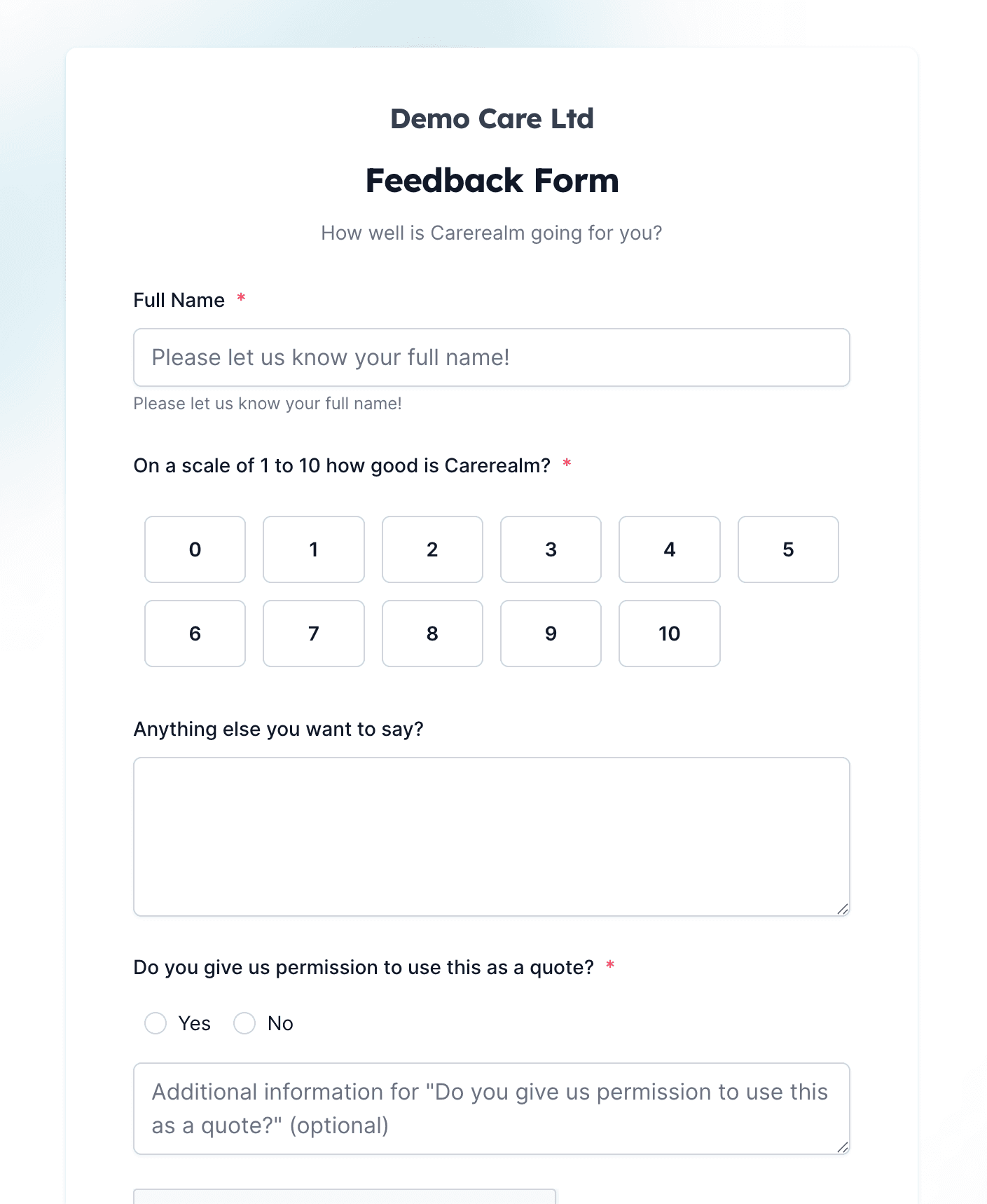
Take the data with you
Export to CSV, attach as PDF
Every form response can be exported individually as a PDF for attaching to a care plan or an inspection report, or in bulk as CSV for your favourite spreadsheet tool. The PDF carries the realm name, submission time, and submitter, all formatted for filing.
- PDF export.
- Per-entry PDF, branded with your realm, ready to attach to a person's record.
- CSV export.
- Bulk export of every response to a form, for analysis in Excel, Numbers or your data warehouse.
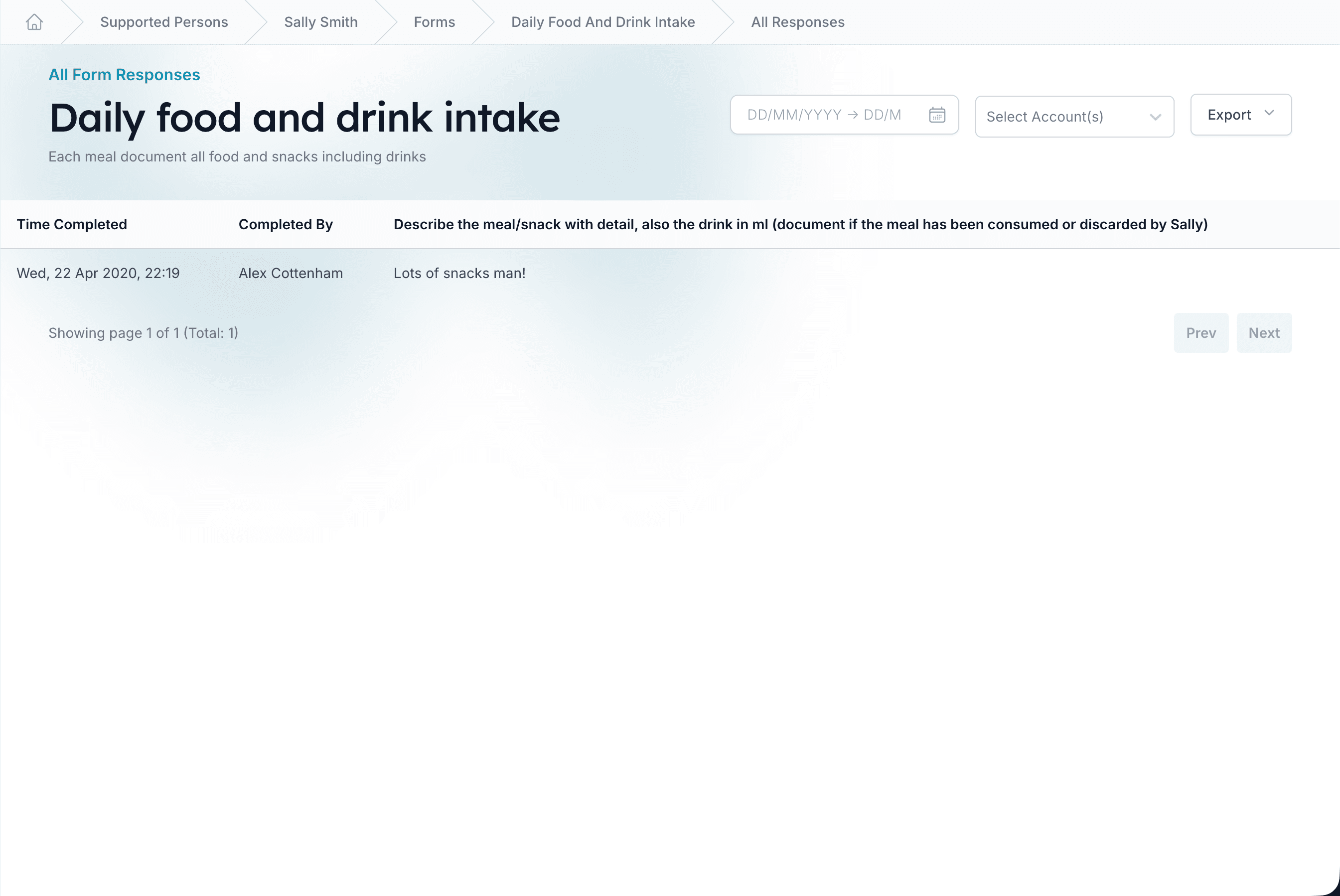
Collaboration and control
Lock, comment, copy across areas
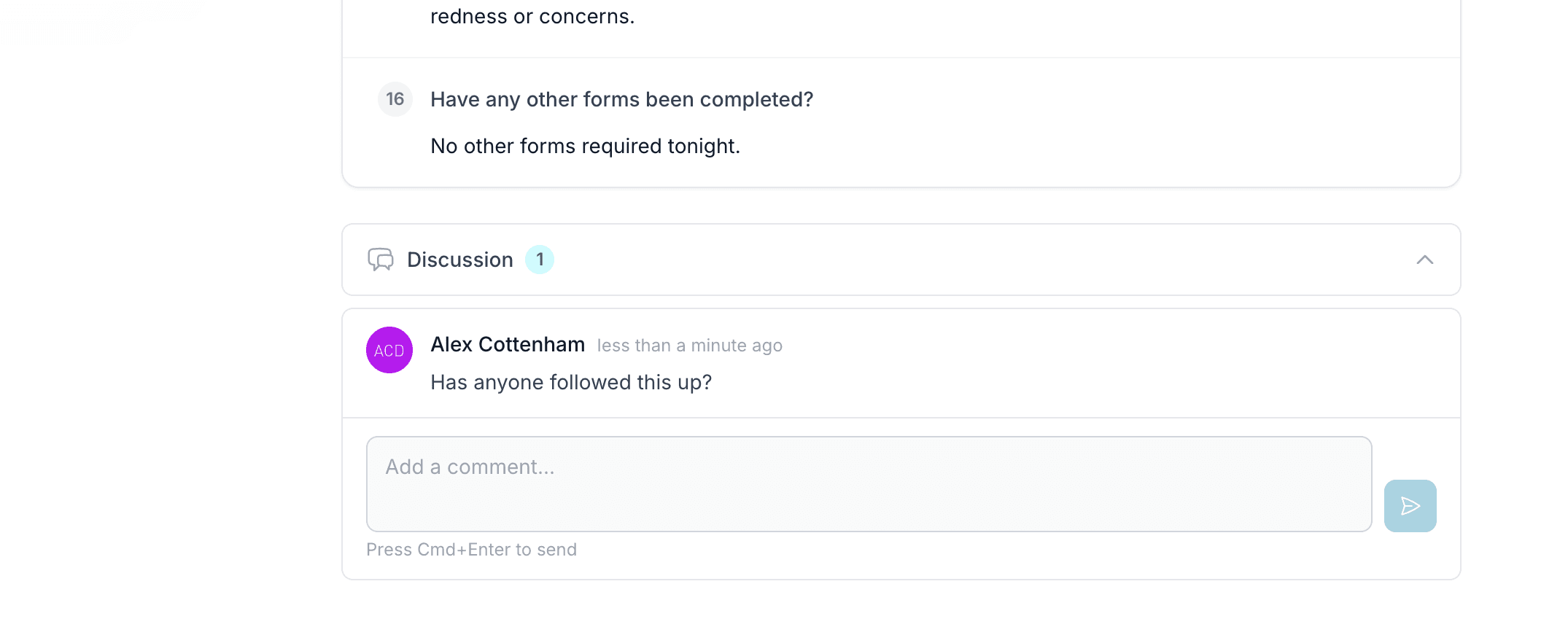
Once a form is right, lock it so staff can't accidentally change the structure, but submissions and comments stay open. Reviewers can leave threaded comments on individual submissions for clarification or sign-off. Copy a form across multiple areas in one go when something works in one person's care plan and you want to roll it out further.
- Lock the structure.
- Stop accidental changes to the form's questions while still letting people submit responses.
- Threaded comments.
- Comment on individual submissions for review and sign-off, visible to anyone with access.
What the forms module isn't
We don't ship a catalogue of pre-written assessments (CQC-aligned templates, NICE forms, and so on). Some providers want a library like that out-of-the-box; we believe forms work best when they're shaped to your specific service. If a templated assessment library is a procurement must-have for you, a vendor that ships one ready-made is the right pick. Carerealm trades that for full flexibility.
Keep exploring the platform
See every featureDaily Diary
Continuous person-centred documentation
Document daily observations with templates, lockdown rules, AI assistance, draft auto-save and a full revision history per supported person.
Staff Rota
Person-centred rostering, time & attendance and payroll
Build staff rotas around the people you support: scheduling, open shifts, leave, location-stamped clock-in, timesheets and payroll-ready exports, all tied to each person's care record. An optional bolt-on.
eMAR
Electronic medication, aligned to NICE QS85
Electronic medication administration with witness sign-off, PRN, controlled-drug register, homely remedies, MCA documentation, covert pathways and missed-dose alerts.
Try it on a 14-day free trial
From £4 + VAT per user per month. No card, no sales call, cancel any time.