Opt-in AI for writing and diary search
Carerealm AI
Ask questions of the diary, summarise, rewrite, spell-check and translate. Per-realm opt-in toggle — your organisation decides if and where AI is on.
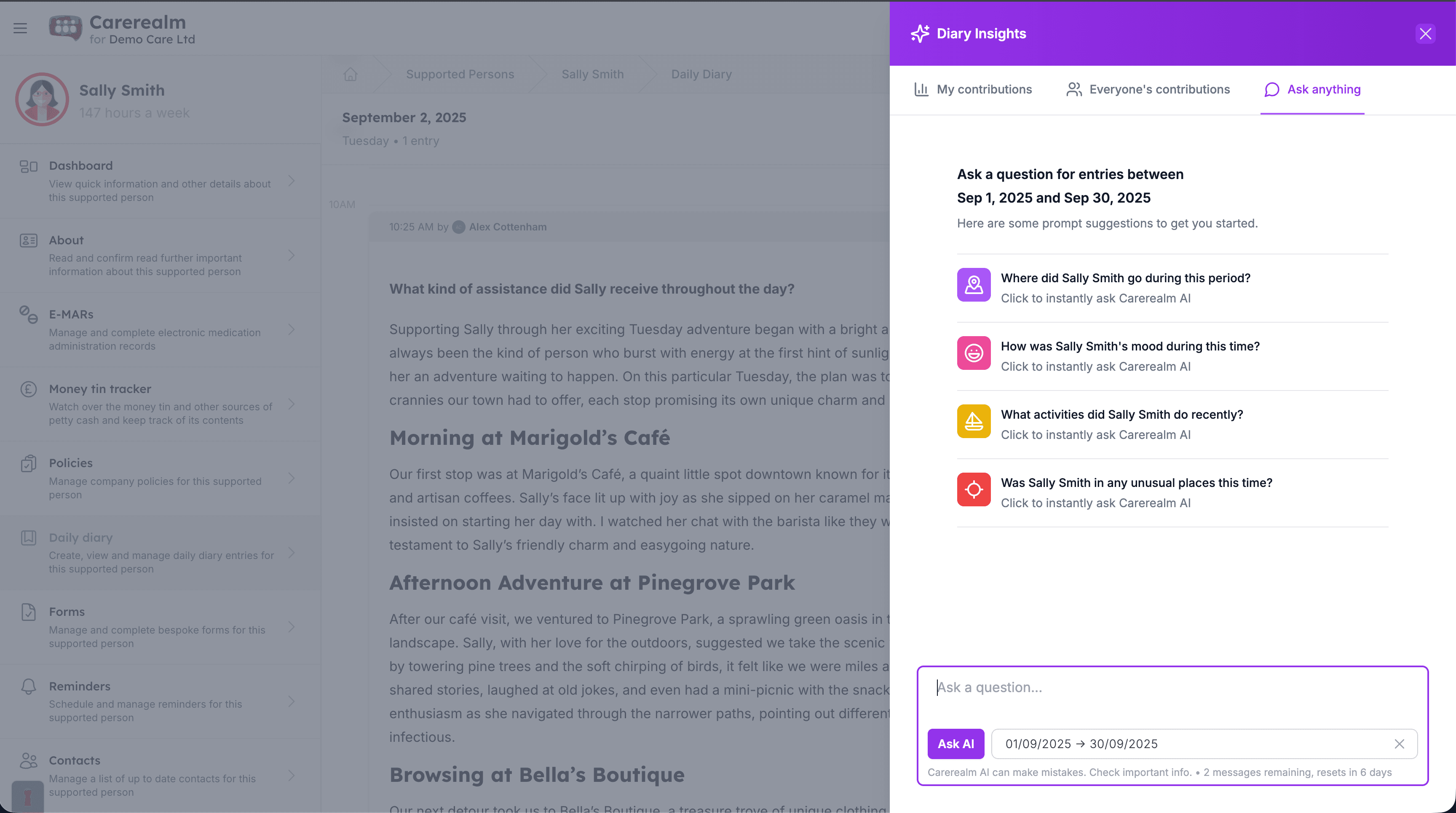
Off by default
AI you turn on when you're ready, not before
Carerealm AI is opt-in per realm. New realms have it switched off; an admin turns it on from realm settings when the organisation is ready. Once enabled, individual users can still opt out of AI features from their own profile. We'd rather you say yes when it's the right call for your service than have AI on a feature that you've forgotten about.
When AI is on, it only sees data the asking user already has access to. A carer who can't see Sam's diary can't ask the AI about Sam's diary. The same permission boundaries that apply to the rest of the platform apply to AI requests.
- Per-realm opt-in.
- Off by default. Admin turns it on. No surprise AI processing.
- Per-user opt-out.
- Even when realm AI is on, individual users can disable it for themselves.
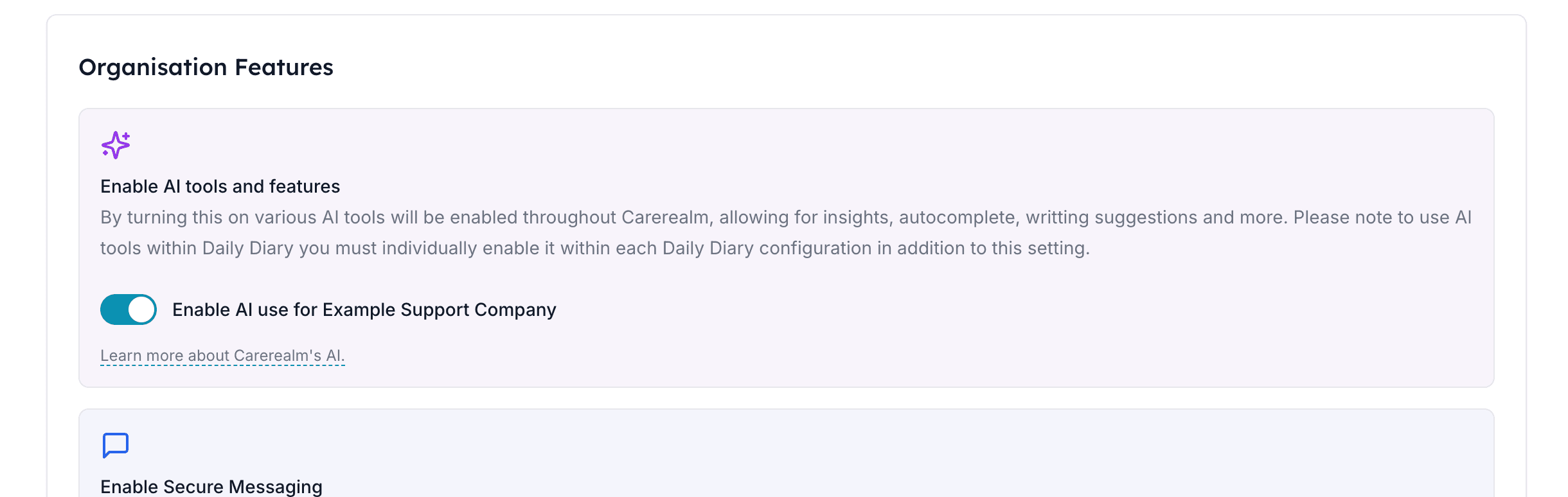
Find the right entry fast
Diary chat — ask, don't scroll
When you're prepping for a review meeting, a handover, or an inspector's question, paging through weeks of diary entries is the slow part. Diary chat lets you ask in natural language — "how was Sam sleeping last week?", "when did Mary last see the GP?", "has anyone noticed mood changes after meds were switched?" — and get a focused summary drawn from the actual entries.
Answers cite the entries they were drawn from, so you can click through to the source. AI doesn't replace reading the diary; it points you at the parts that matter.
- Natural-language queries.
- Ask in plain English. Date-ranged or open-ended.
- Cited answers.
- Every claim in the AI response links back to the diary entry it came from.
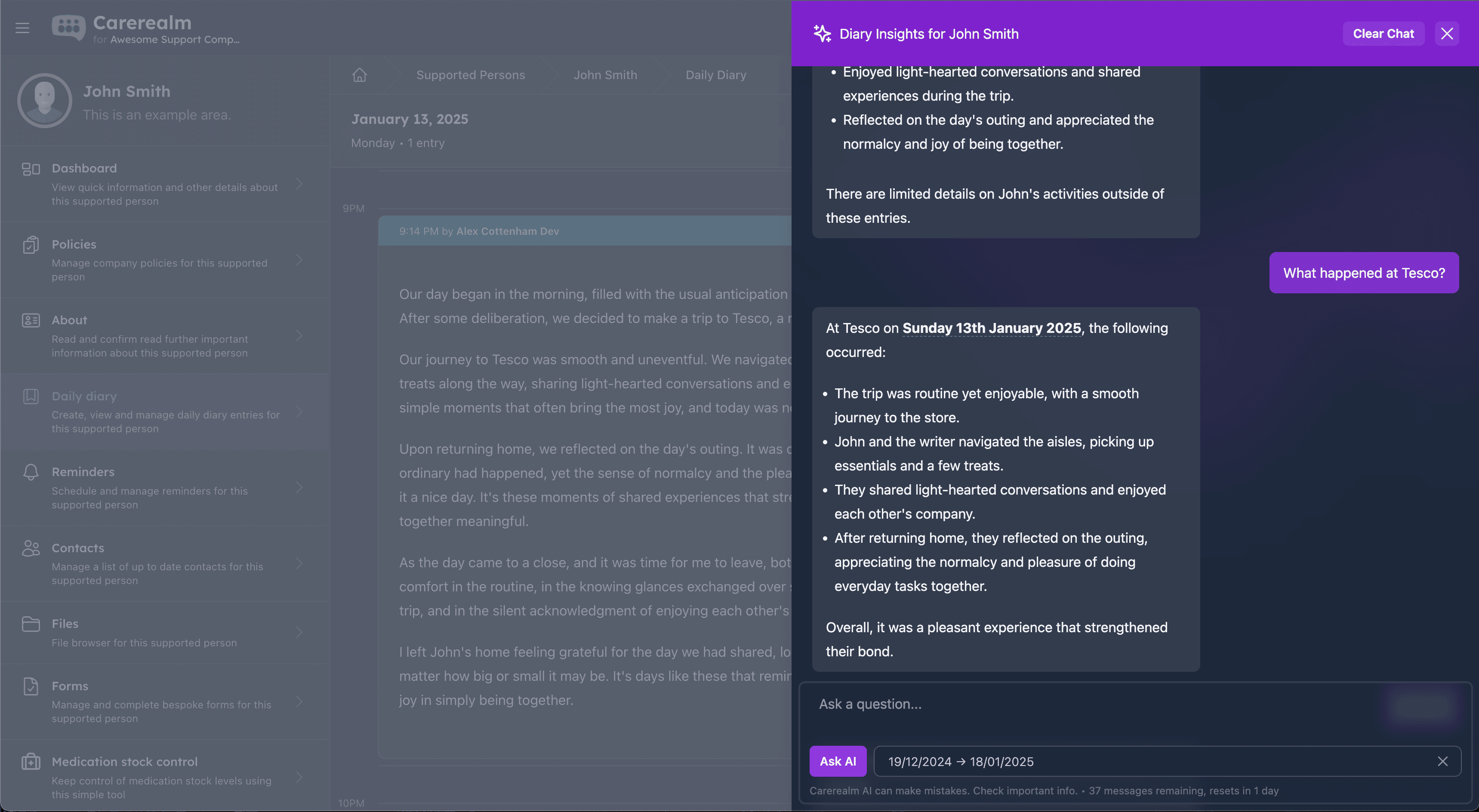
Helps everyone write better
Rewrite, spell-check, translate
Care recording is a writing job. Carers whose first language isn't English, or who simply find writing slow, deserve tools that help. Carerealm AI offers in-editor rewriting: tidy up grammar, switch tone, translate to or from English, spell-check medical terms. It works inside the diary editor and the policy / About-Me editor — anywhere you can write rich text.
- Rewriting tools.
- Tidy up grammar, switch register (formal / informal), restructure long entries.
- Translation.
- Translate entries between English and the carer's first language. Useful for international staff teams.
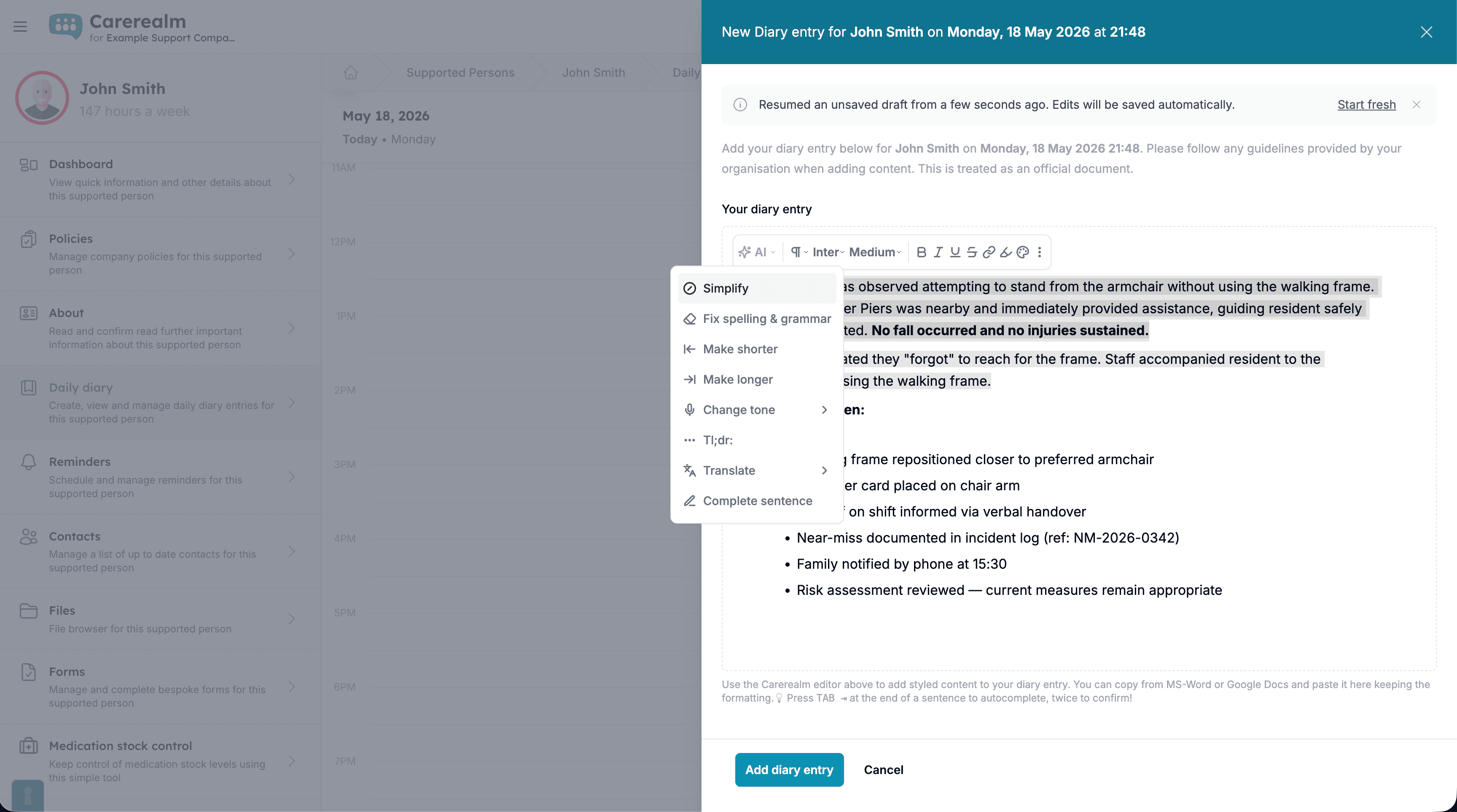
On mobile
AI daily summaries in your pocket
Pulse turns each day's notes, medications and reminders into a clear handover summary on the home screen — so the oncoming shift sees what matters in seconds.
- One-tap daily summary.
- A per-person recap of the day, generated on the home screen.
- Surfaces anomalies.
- Highlights the things worth a closer look before they slip past.
- Handover-ready.
- A shift-handover note ready to copy straight into your records.
What our AI isn't
Carerealm AI is not a predictive CQC-rating tool, a clinical decision-support engine or a replacement for human judgement. We don't score your service, predict inspection outcomes or flag risk for you — those decisions belong to your staff and your inspectors. We focus on the part of AI that has a clear, repeatable benefit: making writing faster and finding entries quicker. If you specifically need predictive inspection scoring, that's a different category of tool and worth shopping for separately.
Keep exploring the platform
See every featureDaily Diary
Continuous person-centred documentation
Document daily observations with templates, lockdown rules, AI assistance, draft auto-save and a full revision history per supported person.
Forms
Bespoke forms for assessments and care plans
Build the forms your service actually uses — assessments, incident reports, care plans — with response tracking, public form links, exports and notifications.
Staff Rota
Person-centred rostering, time & attendance and payroll
Build staff rotas around the people you support — scheduling, open shifts, leave, location-stamped clock-in, timesheets and payroll-ready exports, all tied to each person's care record. An optional bolt-on.
Try it on a 14-day free trial
From £4 + VAT per user per month. No card, no sales call, cancel any time.