Shared folders, previews and document conversion
Files
Folder hierarchy per area with drag-and-drop, search, instant previews for images and PDFs, automatic Office-to-PDF conversion, starred folders and selective sharing.
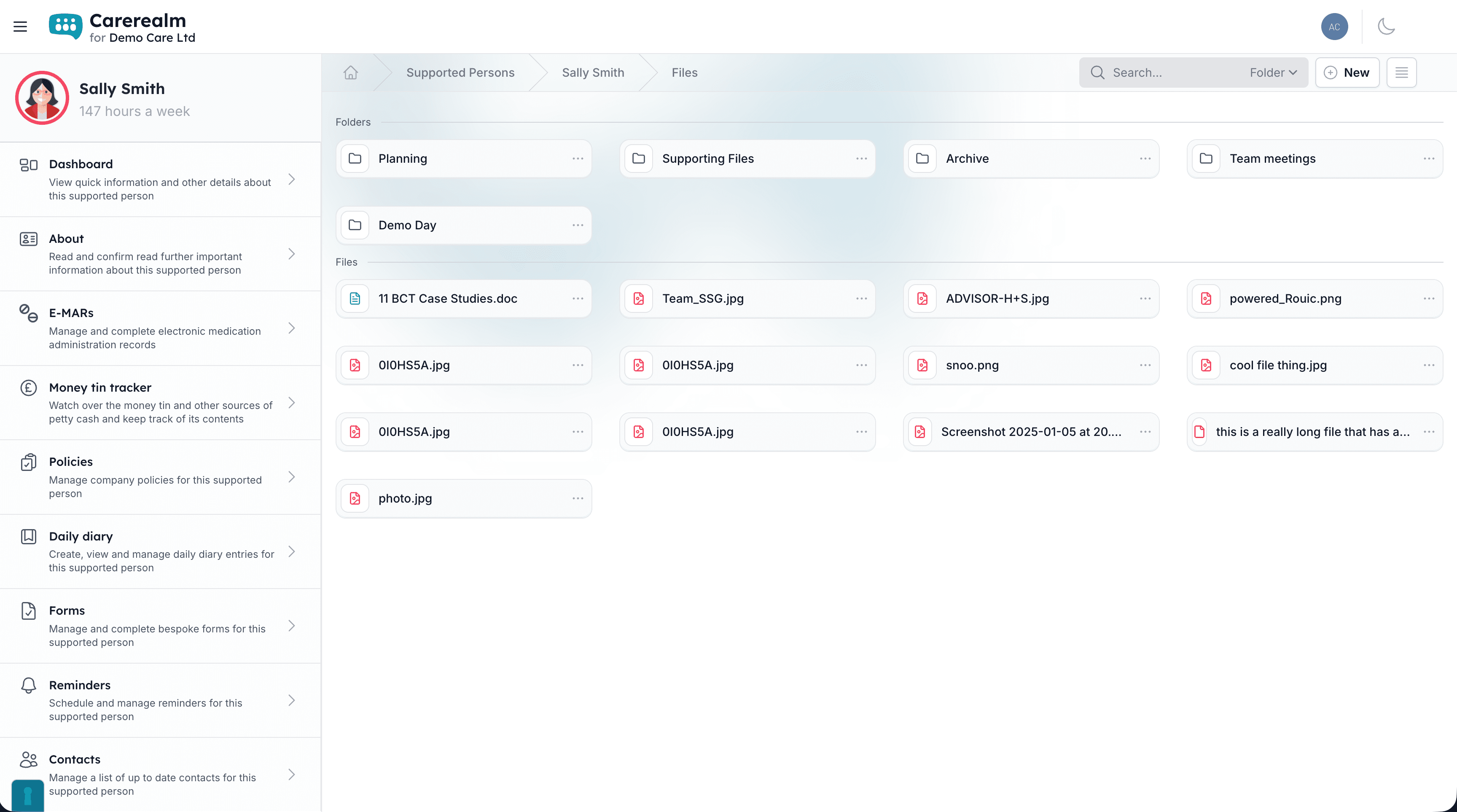
One folder tree per area
Organise files the way your team already thinks
Every area gets its own file space: nested folders, a working breadcrumb trail, search across everything, and drag-and-drop to move things around. It looks and behaves like the folder hierarchy your team already uses on their desktops, except the files travel with the supported person and the audit trail follows them.
Switch between grid and list view depending on what you're looking for. Your choice sticks across sessions so each user gets the view they prefer.
- Nested folders.
- Create folders inside folders, rename, move, delete, and keep the structure that makes sense for your service.
- Drag-and-drop.
- Move files and folders between locations without dialogs. Multi-select works too.
- Grid or list view.
- Toggle between thumbnail grid and detailed list. Preference saved per user, per device.
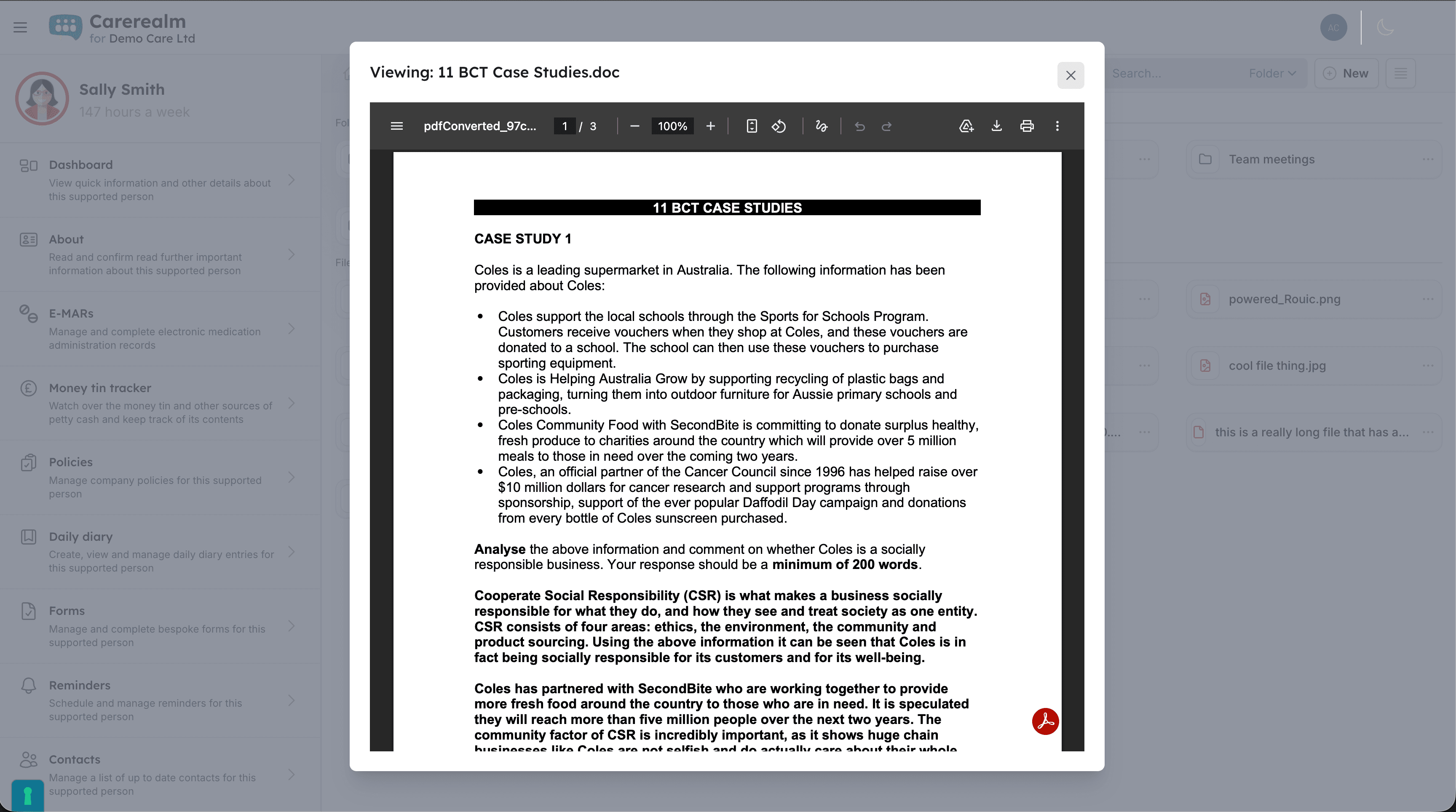
See it without leaving the page
Inline previews for the things people actually share
Images and PDFs open instantly in a lightbox, with no download and no context switch. Word, Excel, PowerPoint, OpenDocument and a few less-common formats are converted to PDF automatically the first time they're viewed, so a manager can read a referral letter without firing up Office.
We do the conversion on our side and keep the rendered PDF, so the next person to open the file gets it instantly.
- Images & PDFs.
- JPG, PNG, GIF, SVG and PDF render inline with zoom and pan.
- Office documents.
- Word, Excel, PowerPoint, RTF, ODT and ODS auto-convert to PDF for preview. Original file stays unchanged.
- Search across everything.
- Search by filename across the whole area in one box. Drill into folders from the result list.
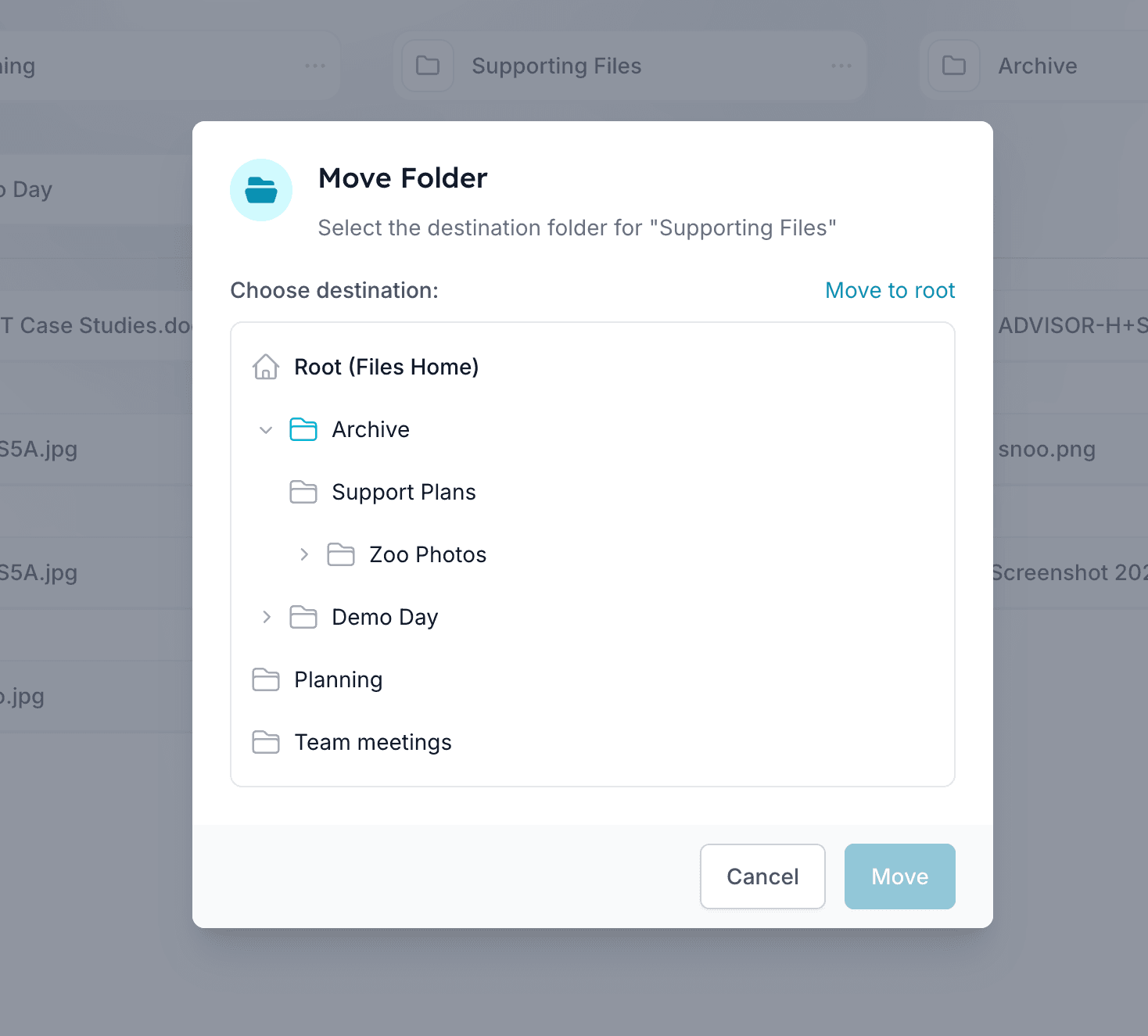
Share what should be shared
Selective folder sharing, audit-tracked
Mark a folder as shared and it becomes visible to other accounts you choose. This is useful when a person moves between services, or when family share documents with the team. Mark a folder as admin-only and only realm admins can see what's inside, regardless of area permissions.
Star folders you use most for quick access from the top of the file list. Every upload records the uploader and timestamp so you can answer "who added this and when" without digging through logs.
- Selective sharing.
- Open a single folder to another account without exposing the rest of the area.
- Admin-only lock.
- Restrict sensitive folders (legal, safeguarding, finance) to realm admins only, even from area members.
- Starred favourites.
- Pin folders you open daily to the top, toggled on or off per user.
- Per-file audit.
- Every file shows who uploaded it and when. Renames, moves and deletes are tracked in the platform audit log.
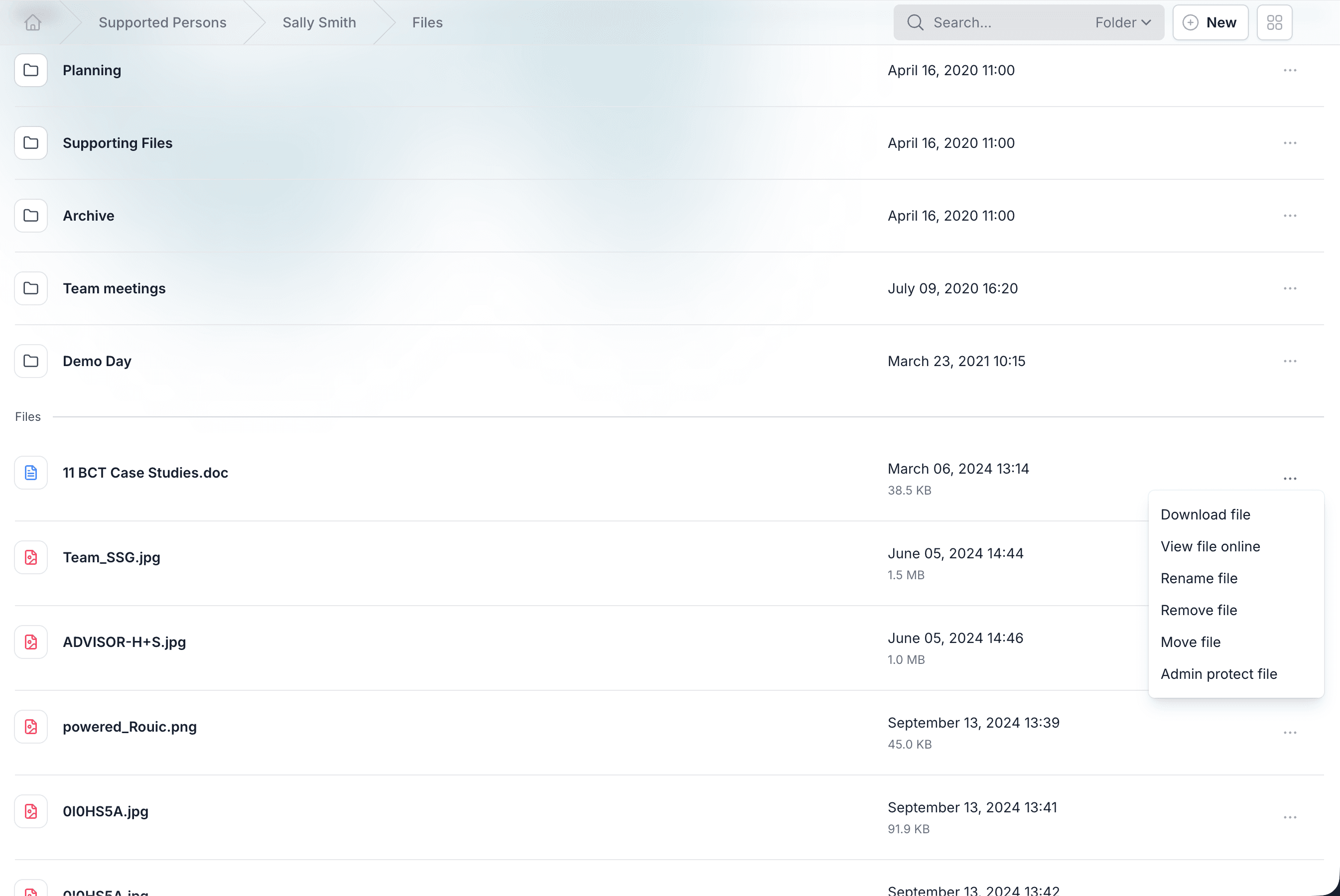
Upload from anywhere
Drop a file, get on with your day
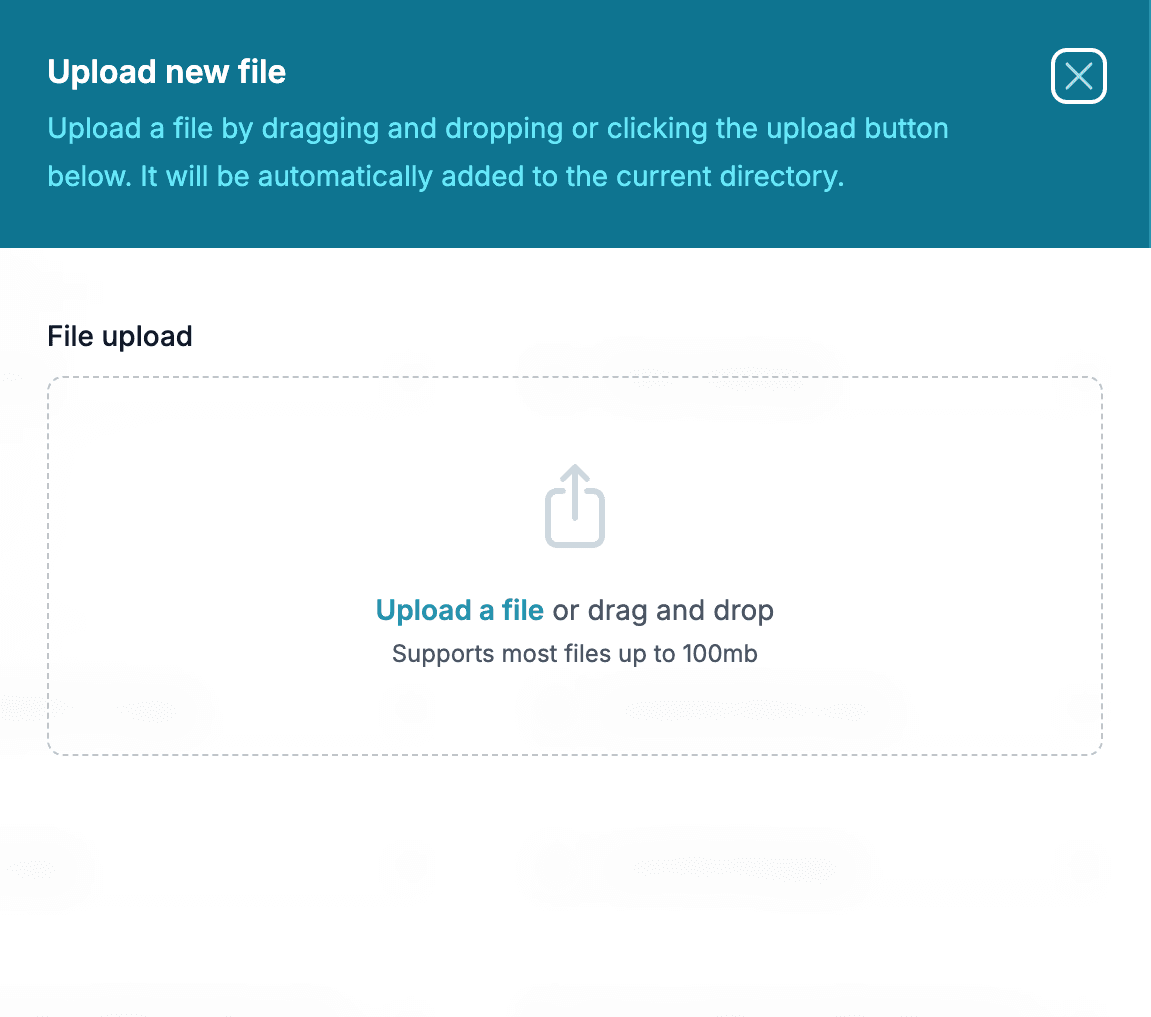
Drag files from your desktop straight onto the Files page, or use the upload button on a phone to add a photo from the camera roll. There's no fixed file-type restriction. Anything your team needs to keep, you can store. Big files upload in the background so you don't lose your place.
- Any file type.
- Documents, images, audio, video, archives: no allowlist getting in the way of a legitimate file.
- Download as you'd expect.
- Single-click download for any file. Folders can be exported as a ZIP when needed.
What Files isn't
Files is a focused document store, not a full DMS. It doesn't keep prior versions of an overwritten file, doesn't support live co-editing inside the platform, and doesn't expose per-file ACLs separate from the folder it lives in. If your service requires versioned documents with formal approval workflows, a dedicated DMS is the right pick, and you can keep using Carerealm for everything else.
Keep exploring the platform
See every featureDaily Diary
Continuous person-centred documentation
Document daily observations with templates, lockdown rules, AI assistance, draft auto-save and a full revision history per supported person.
Forms
Bespoke forms for assessments and care plans
Build the forms your service actually uses (assessments, incident reports, care plans) with response tracking, public form links, exports and notifications.
Staff Rota
Person-centred rostering, time & attendance and payroll
Build staff rotas around the people you support: scheduling, open shifts, leave, location-stamped clock-in, timesheets and payroll-ready exports, all tied to each person's care record. An optional bolt-on.
Try it on a 14-day free trial
From £4 + VAT per user per month. No card, no sales call, cancel any time.