Care-grade team chat: channels, threads, presence
Inbox
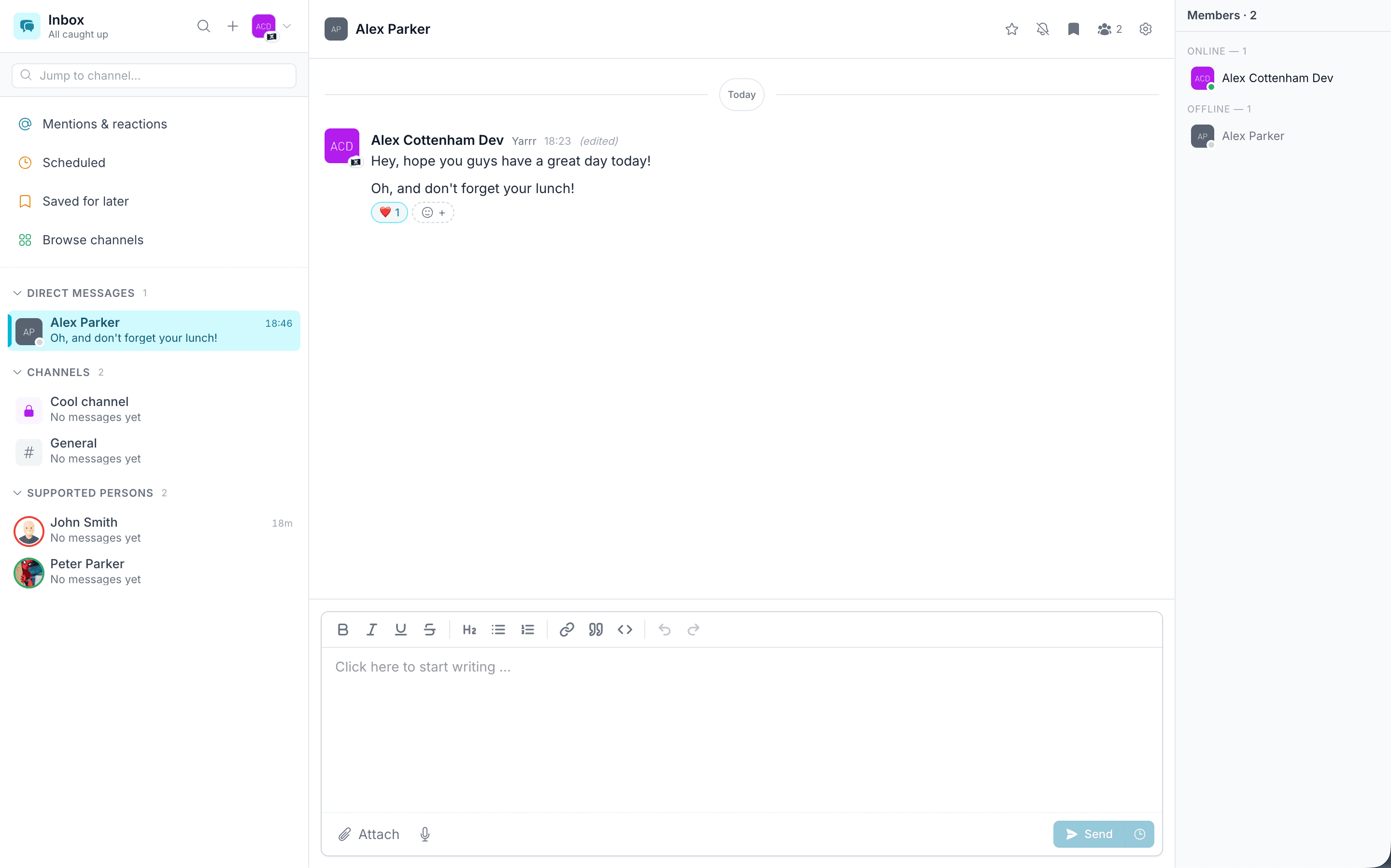
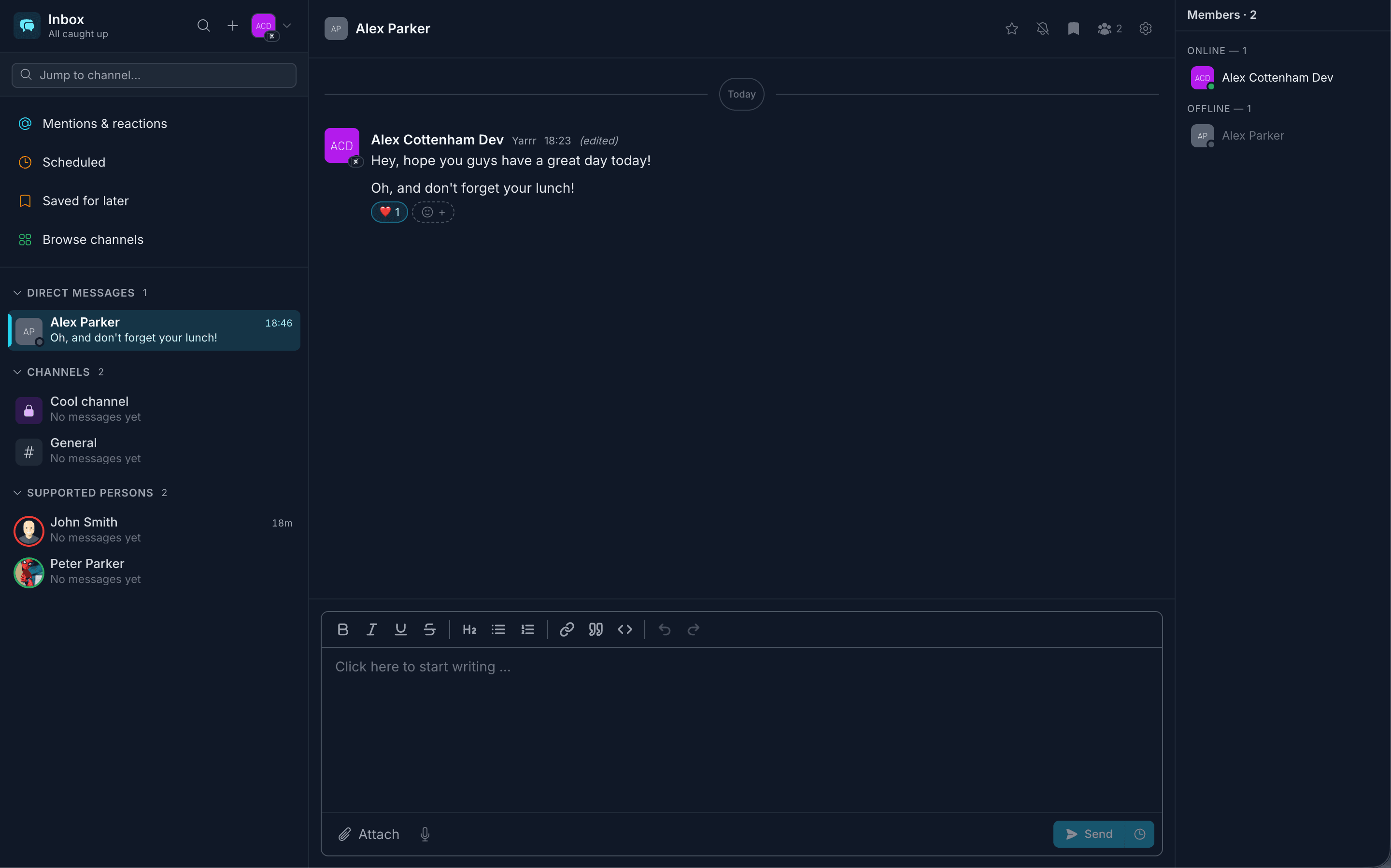
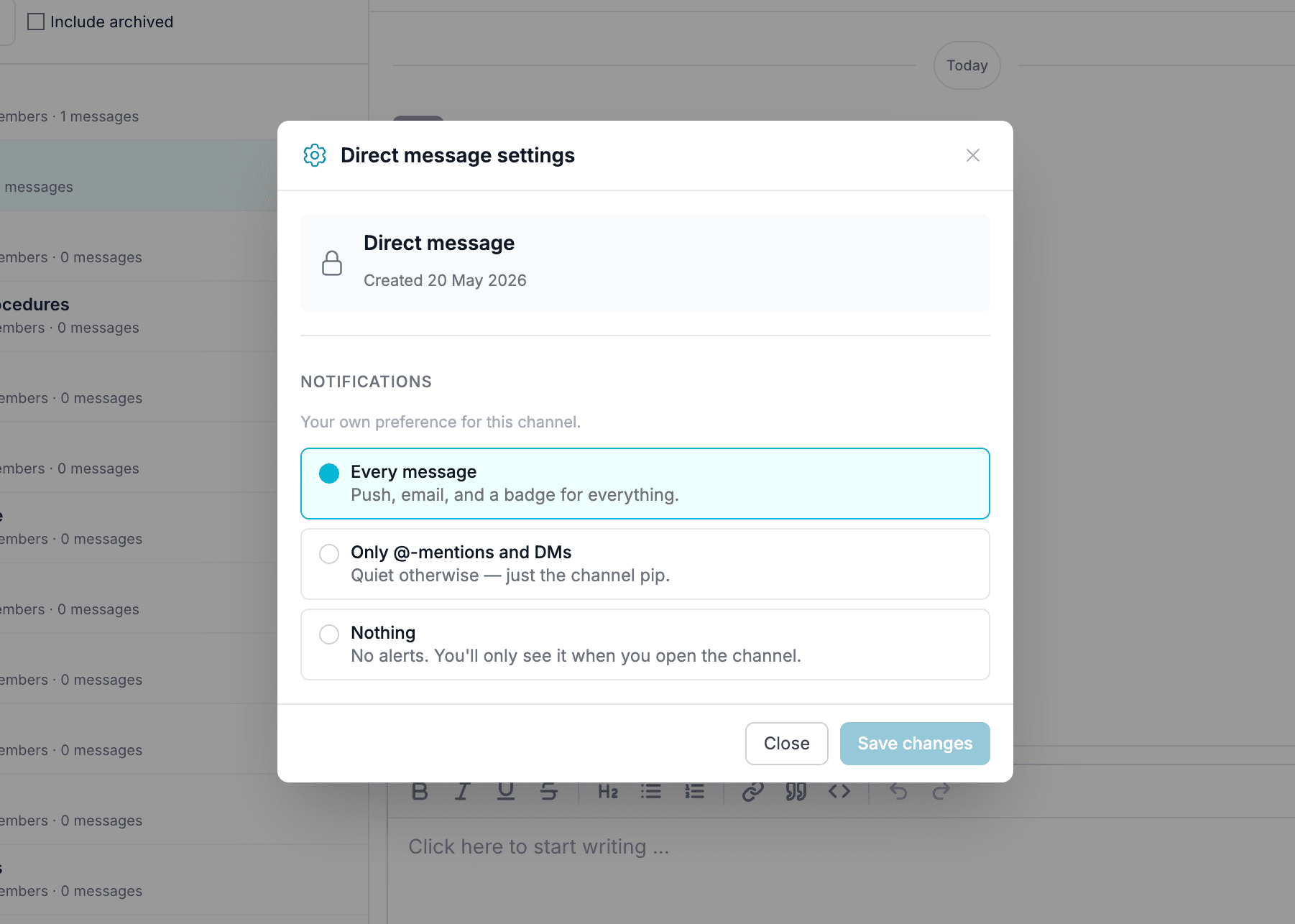
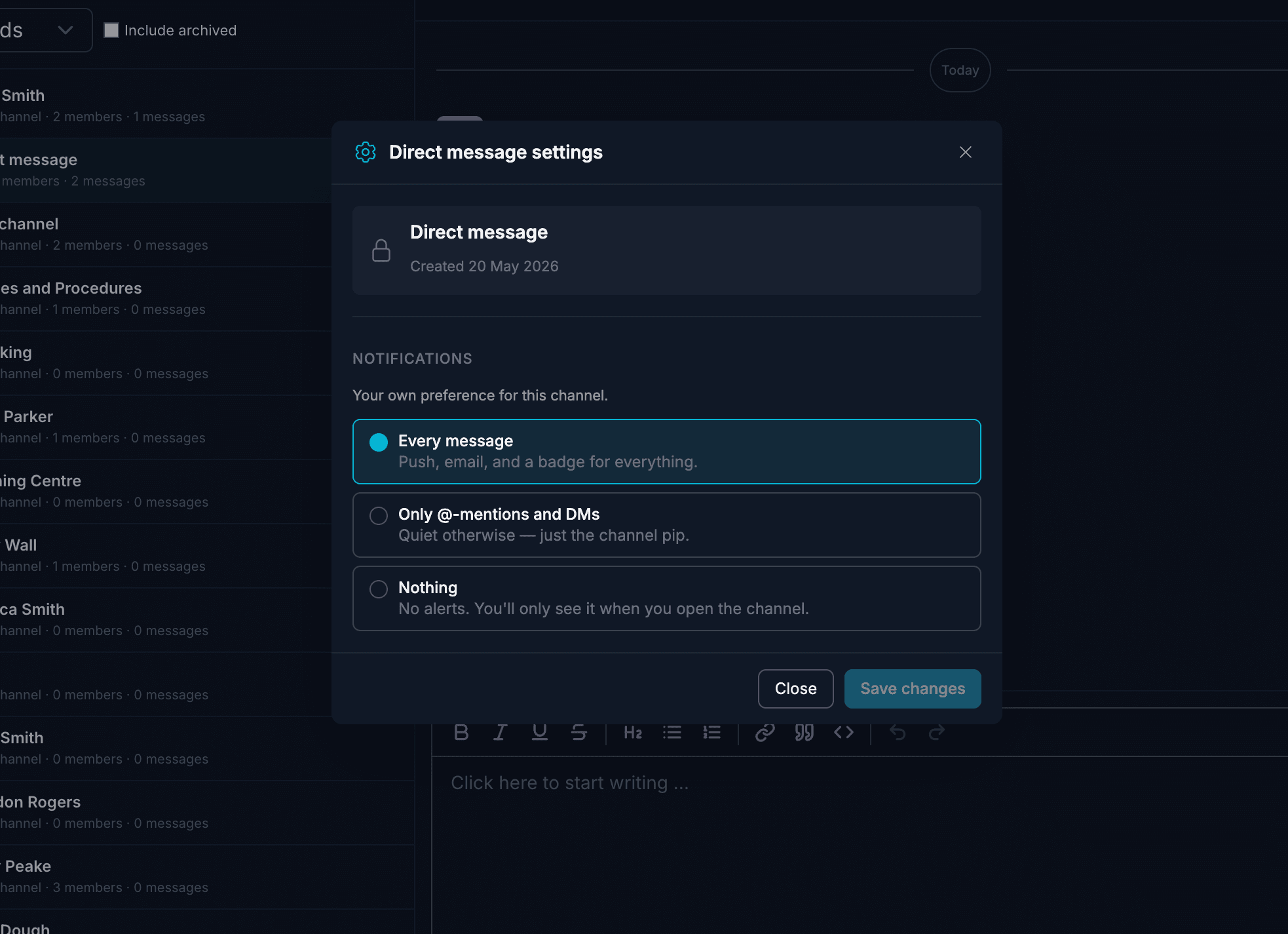
Channels, direct messages and area channels that auto-include the right staff. Reply threads, @-mentions, reactions, presence dots, typing indicators, cross-channel search and rich-text composing, all encrypted at rest.
Built for the conversations care teams actually have
Channels for your service, not threads in someone's email
Inbox is team chat that lives inside Carerealm. Set up a channel for the early shift, one for the leadership team, another for safeguarding. Each is its own room with its own members, history and pinned notes. No more handovers buried in a personal mailbox.
Channels live alongside the rest of Carerealm, so a question about Sarah's medication is in the same platform as her diary, her eMAR and her policy library. It's visible to the people who need it, audited like everything else.
- Channels per topic.
- Public for anyone to find and join, or private and invite-only. Owners can rename, set a topic, pin messages, and archive when a conversation is done.
- Direct messages.
- One-to-one chats with anyone in your organisation. Pick a person and start typing, and Carerealm opens the DM for you.
- Public vs private.
- Public channels show up in the directory and anyone in the organisation can join. Private ones are invite-only, handy for safeguarding or leadership.
Channels that follow the people who need them
Area channels with dynamic membership
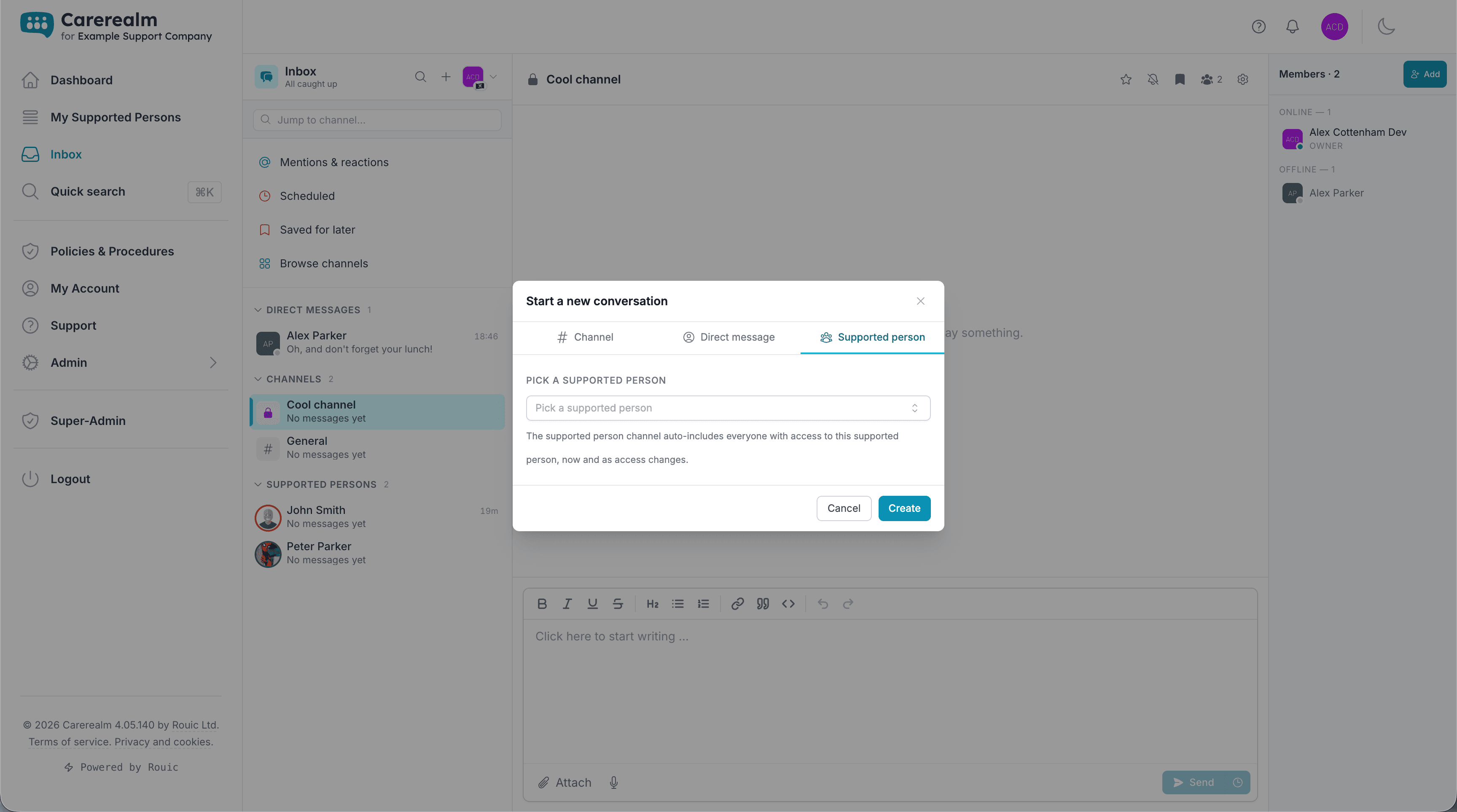
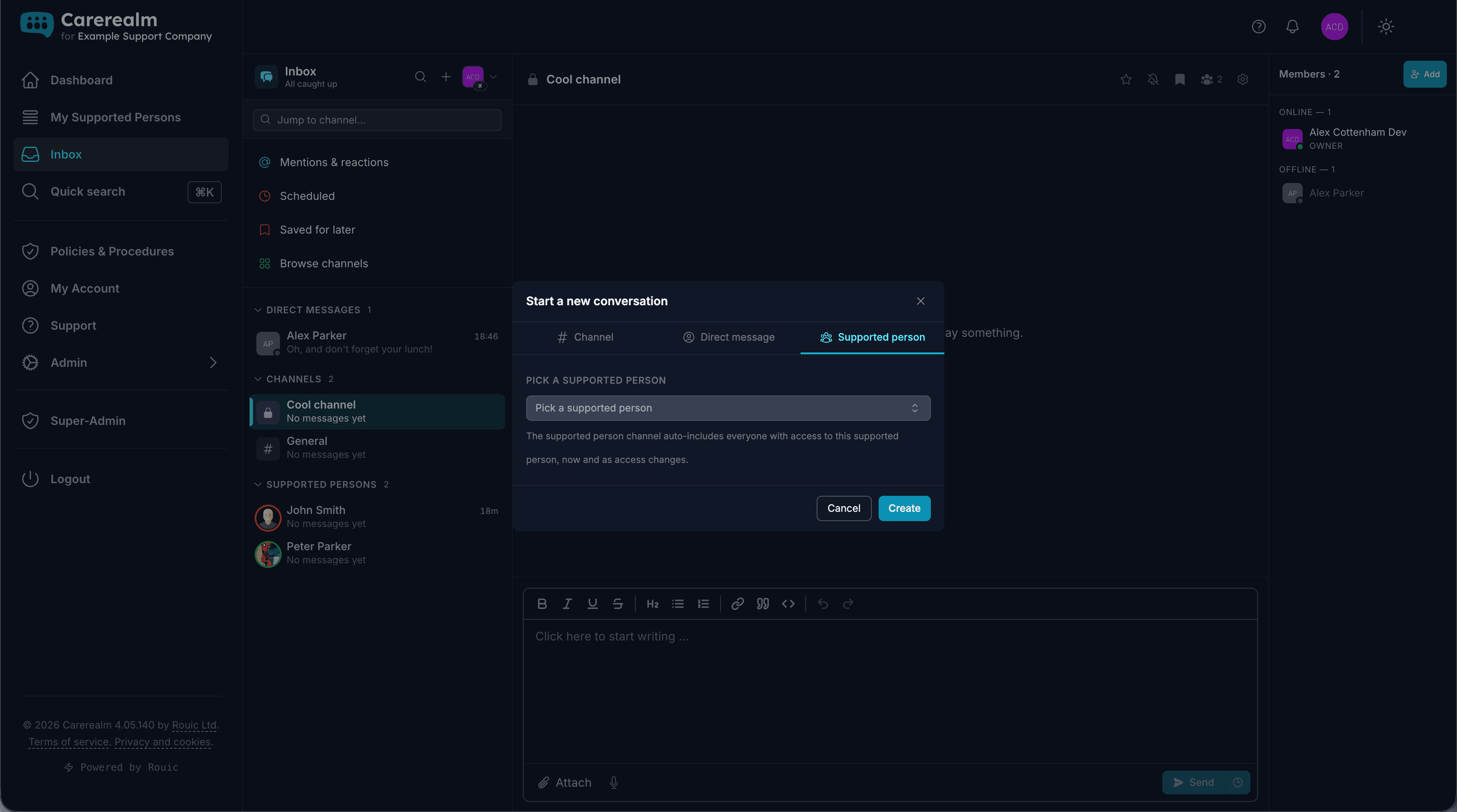
Every supported person (every "area") gets its own channel. Anyone with access to that area is automatically a member; if you revoke someone's access tomorrow, they drop out of the channel without you having to remember to remove them manually. Grant a new staff member access on Monday and they gain the channel on Monday.
This is the bit that makes Inbox actually fit how care services work. Permissions are the source of truth; the chat just follows.
- Auto-joined, auto-removed.
- Membership is derived from area access in real time. Add or revoke access on the area page; the channel updates within seconds.
- One channel per area, by default.
- Every area gets its own channel the moment it's created. No setup, no juggling invites.
- Auditable.
- Messages stay inside your organisation, encrypted on disk, and admins can review or export anything for compliance.
Chat indicators that mean something
Presence, typing, mentions: the signals you actually use
Every avatar carries a presence dot (green when the person has the platform open, grey otherwise) so you know whether to expect a quick reply or send a follow-up. Start typing and your colleagues see it; stop typing or close the tab and the indicator clears.
@-mention a colleague to ping them specifically, and they get a browser notification and a separate red mention pill on the channel even if they have channel notifications muted. There's a dedicated Mentions feed in the sidebar so nothing slips.
- Presence dots.
- A green dot when someone has Carerealm open, grey when they're away. Updated live, on every avatar.
- Typing indicators.
- "Sarah is typing…" with a bouncy ellipsis. Aware of multiple people too: "Sarah and Tom are typing…".
- @-mentions.
- Type @ to autocomplete a name. Mentioned users get a sound, a browser notification (if the tab isn't focused) and a red pill on the channel.
Threads, reactions, pins
The conversation moves where it should
Reply directly to any message to spin off a side thread, so the question gets answered without derailing the main channel. The original message keeps a quiet "↳ 3 replies · View thread" pill so anyone landing later can catch up.
React with emoji to acknowledge without writing a whole reply. Pin the important messages (handover notes, on-call rotas) and they live in a one-click popover at the top of the channel.
- Reply in thread.
- Right-side thread pane with its own composer. Replies stay in the thread, not the main stream, so it's quieter and easier to scan.
- Reactions.
- 👍 ✅ ❤️ 🎉 and any emoji you fancy. Quick acknowledgement without the message-count noise.
- Pinned messages.
- Pin handovers, rota notices and key reference messages. Open the pin popover from the channel header to see them all.
Find anything, fast
Cross-channel search and a real composer
⌘⇧F opens message search. Type a few letters and Carerealm returns matching messages across every channel you're in (DMs, channels, area channels) with the channel and sender alongside each hit. Click a result to jump to the channel.
The composer is a full rich-text editor: bold, italics, lists, headings, links, blockquotes and code blocks, plus @-mentions and file attachments up to 25 MB. Drafts auto-save per channel as you type, so closing a tab never costs you a message.
- ⌘⇧F search.
- Instant search across every channel you're in. Matches are highlighted in the snippet; click to jump straight to the message.
- Rich composer.
- Format text, add lists, drop in a code block, attach files up to 25 MB. Half-finished drafts are saved per channel so closing a tab never costs you a message.
- Encrypted at rest.
- Every message is encrypted before it touches the disk, the same protection we use for the policies vault.
Keep exploring the platform
See every featureDaily Diary
Continuous person-centred documentation
Document daily observations with templates, lockdown rules, AI assistance, draft auto-save and a full revision history per supported person.
Forms
Bespoke forms for assessments and care plans
Build the forms your service actually uses (assessments, incident reports, care plans) with response tracking, public form links, exports and notifications.
Staff Rota
Person-centred rostering, time & attendance and payroll
Build staff rotas around the people you support: scheduling, open shifts, leave, location-stamped clock-in, timesheets and payroll-ready exports, all tied to each person's care record. An optional bolt-on.
Try it on a 14-day free trial
From £4 + VAT per user per month. No card, no sales call, cancel any time.